OFFICIAL SOVEREIGN CLIENT RELEASES • v1.5.4

Download LUXA Vault

The non-custodial multi-vault gateway for the sovereign luxa-1 network. Manage Bech32 keys, sign CosmWasm contracts, and store digital assets with client-side AES-256-GCM encryption.

Desktop Browser • Manifest V3
LUXA Vault Emblem

Chrome Extension

Chrome Web Store • Official

Connect directly to decentralized applications, decentralized exchanges (AMM), and sign CosmWasm / Stargate transactions with zero friction straight from your browser.

  • Seamless window.luxa Web3 dApp provider
  • Local BIP-39 seed generation (12 or 24 words)
  • Full Cosmos SDK Stargate & CosmWasm signing
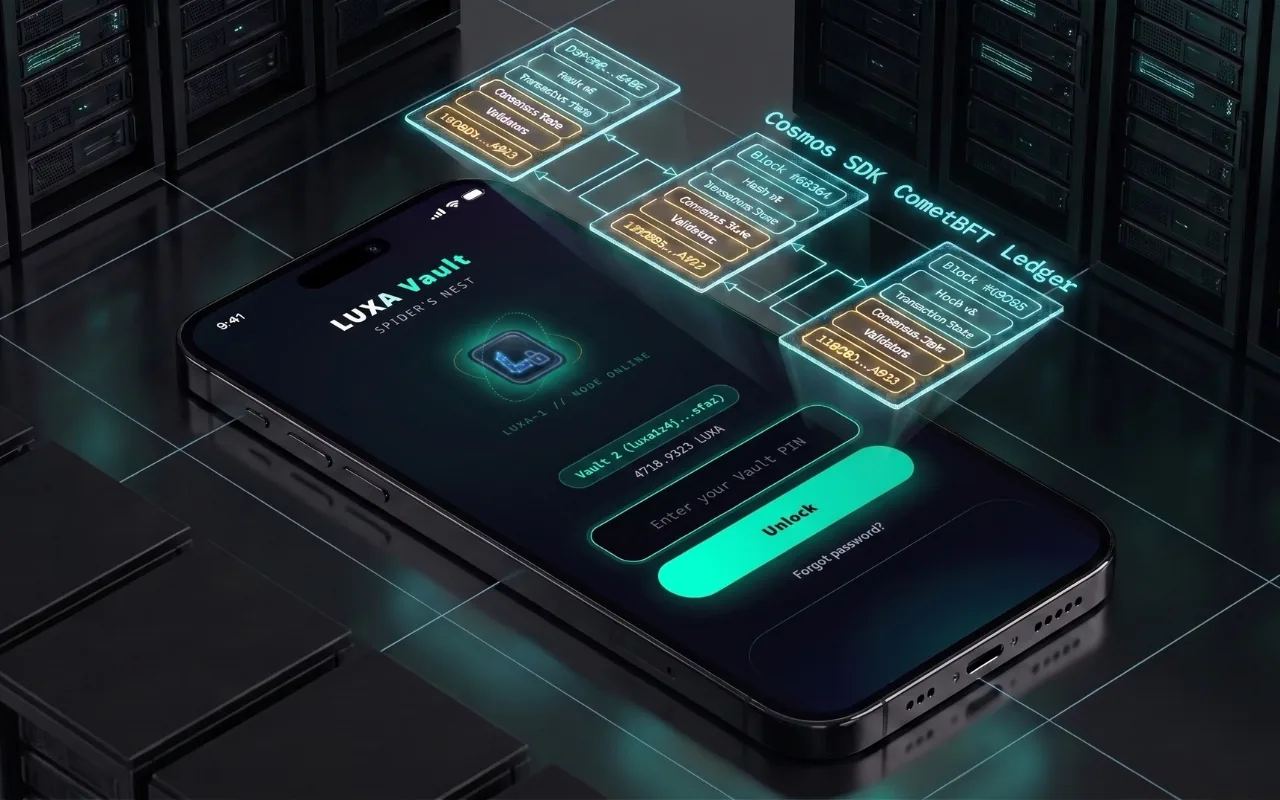
  • Multi-account Spider's Nest vault switcher
Install on Chrome
Mobile Native • v1.5.4 APK
LUXA Vault Emblem

Android App

Direct APK • Auto-Updating

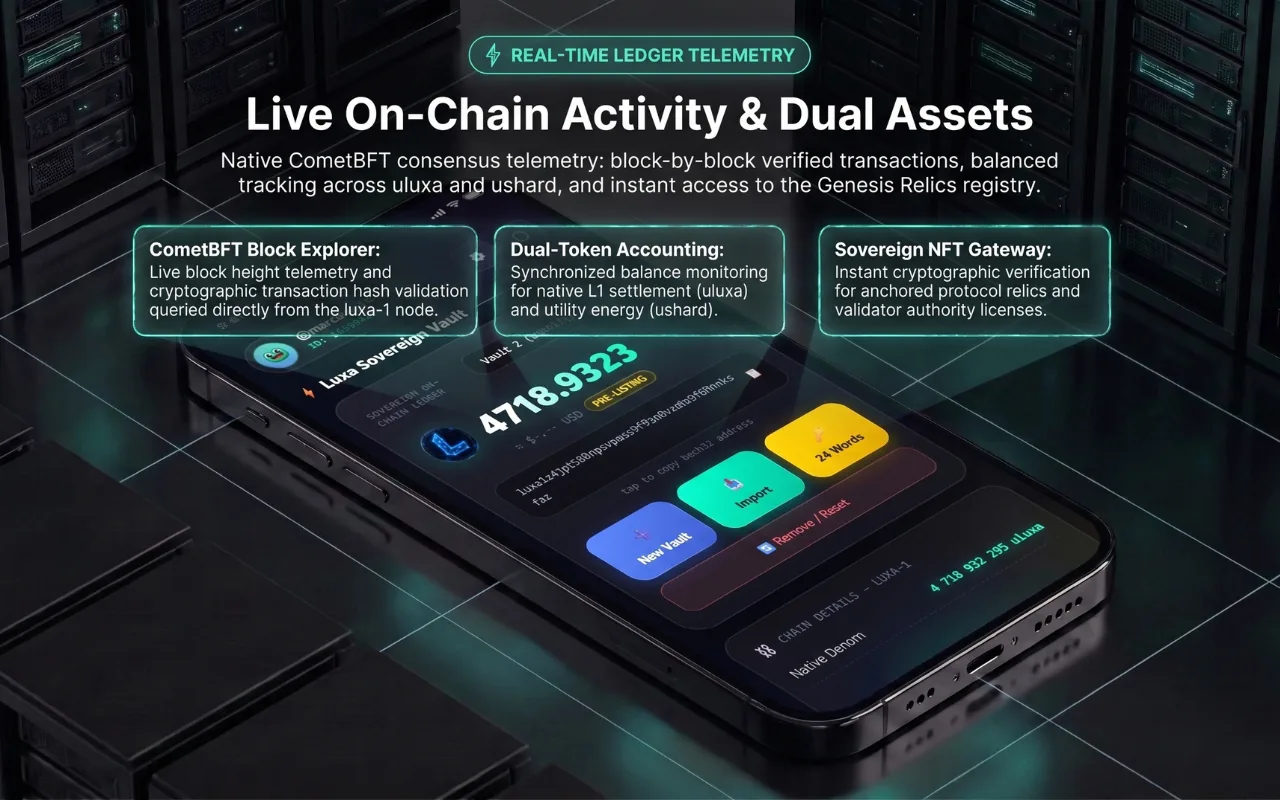
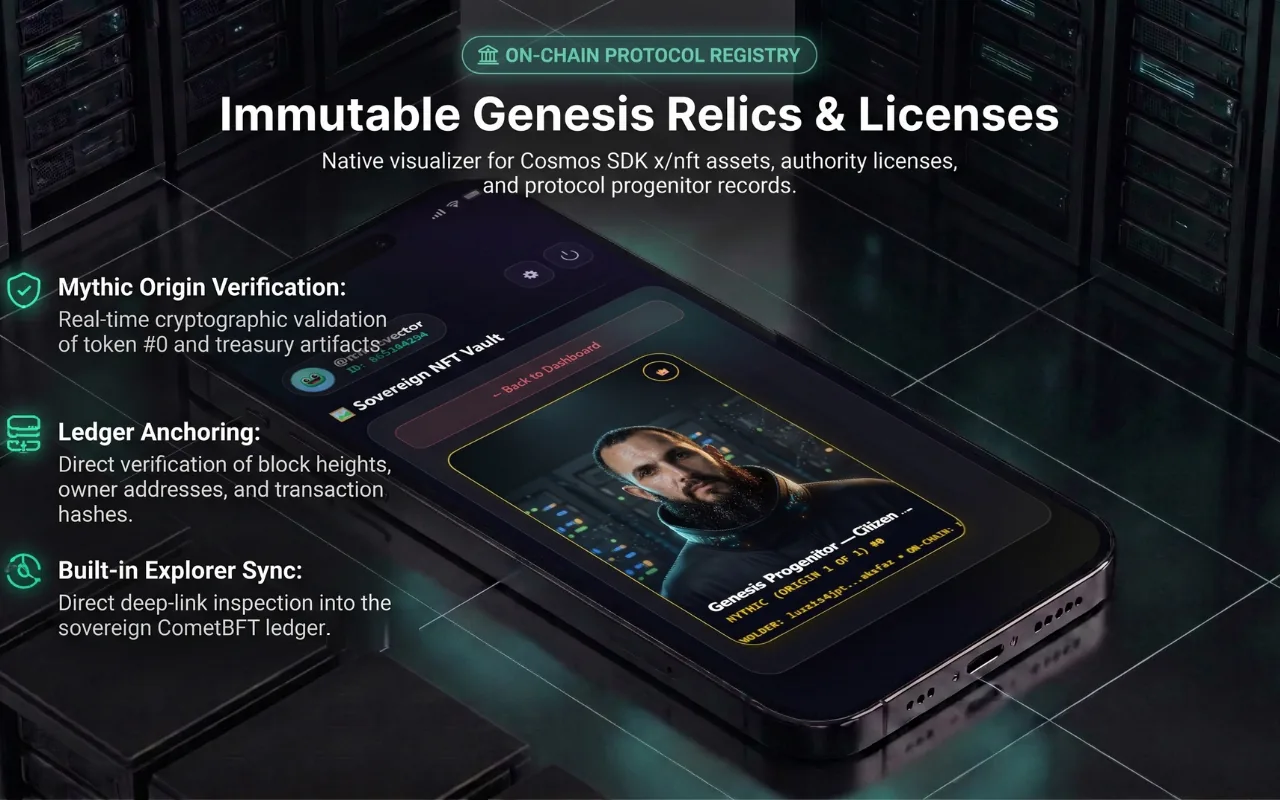
Carry your sovereign vault anywhere. Identical functionality to the desktop extension, plus zero-knowledge Google Drive encrypted cloud backup and continuous in-app updates.

  • Automatic in-app updates via verified release feed
  • Client-side AES-256-GCM local keystore
  • Encrypted backup to private Google Drive app folder
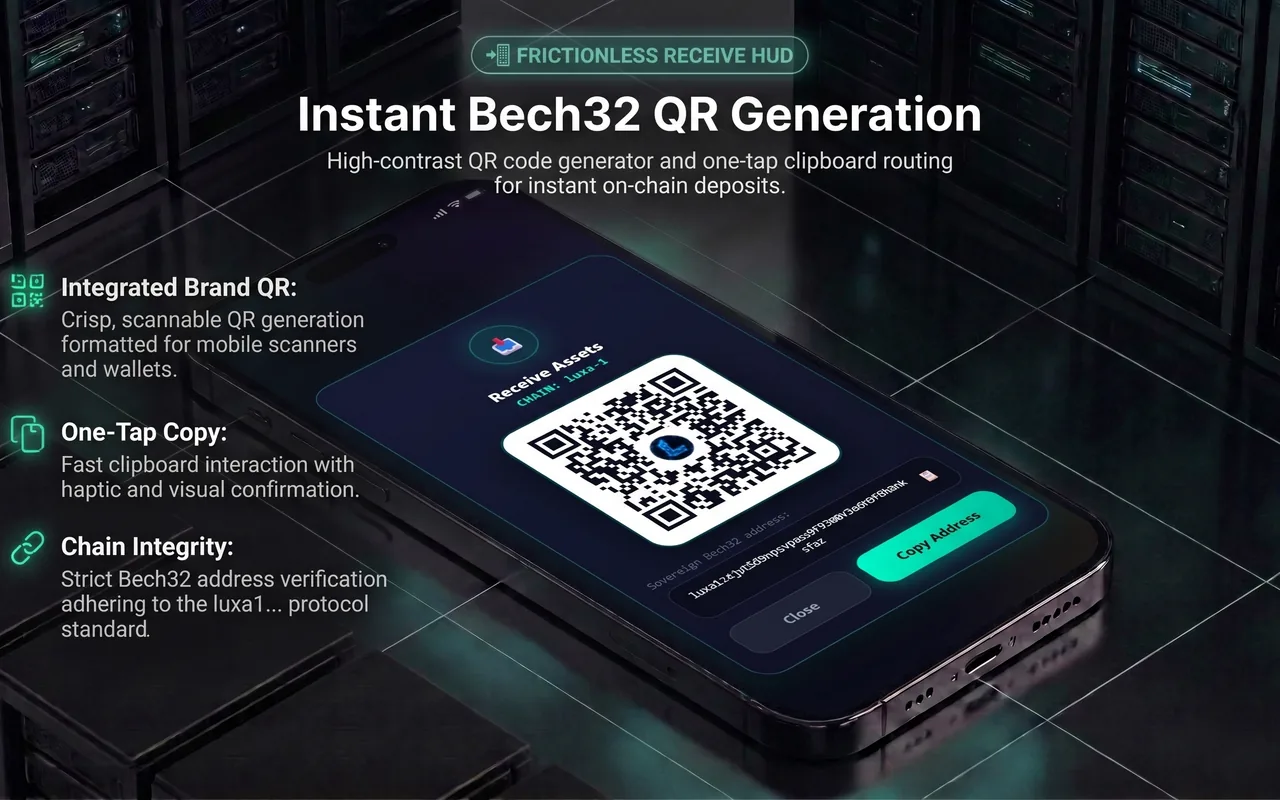
  • Built-in camera QR code reader for instant transfers
  • Instant Bech32 QR code generator & scanner
Download APK (v1.5.4 • 6.2 MB)
Official Monorepo Mirror →
SHA-256 Authenticity Hash Official Release
229F8E50BB808F52F39801258767DB33514C8D503D41F47D9F57099C9A97DC52
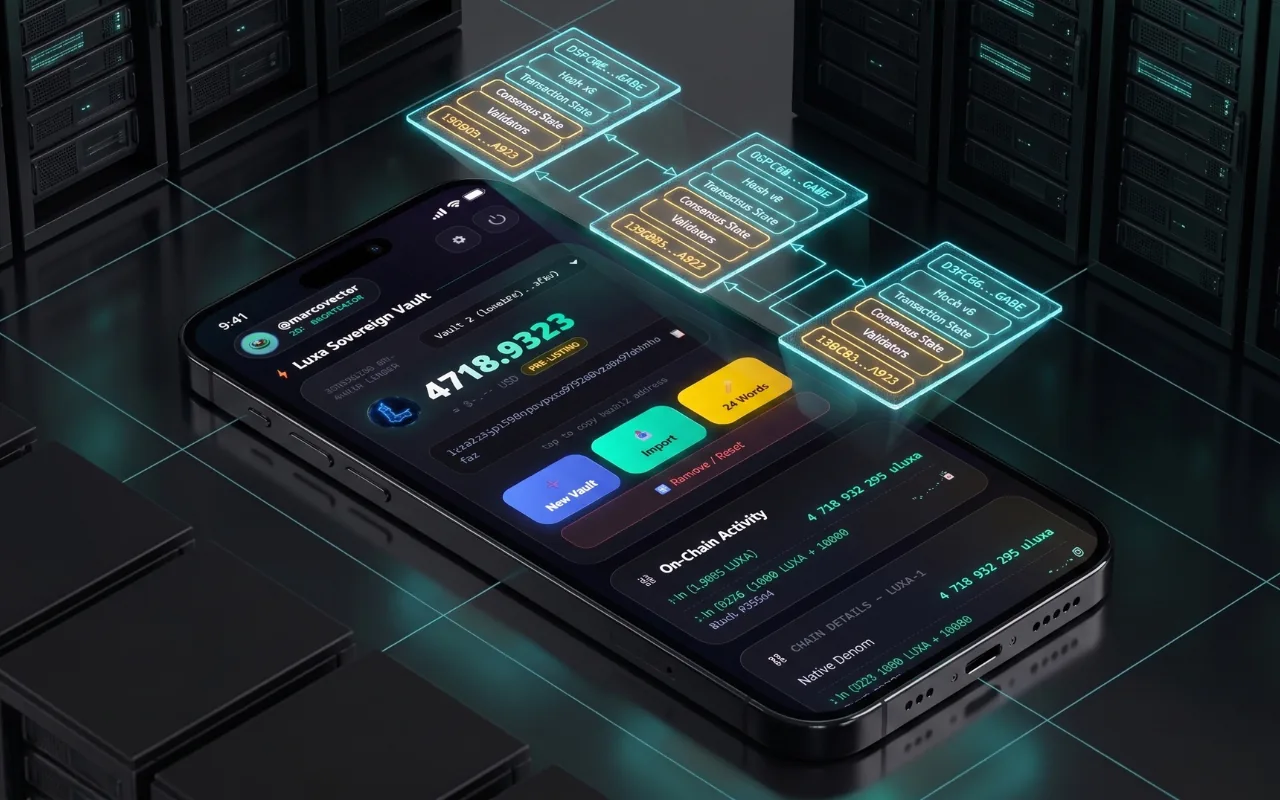
Automatic Over-The-Air (OTA) Updates

Once installed on your Android device, LUXA Vault checks our decentralized cryptographic manifest (version.json) upon startup. When a new version is released, an in-app prompt allows you to upgrade instantly with one tap without ever having to manually search for or reinstall the APK.

Android Installation & Integrity Verification

  1. Download the APK: Tap the "Download APK" button above directly on your Android phone or transfer the file from your computer.
  2. Allow Unknown Sources: If your browser prompts you, tap Settings and toggle Allow from this source to authorize package installation.
  3. Optional Checksum Verification: Before opening, you can verify file integrity:
    On Windows: certutil -hashfile LUXA-Vault-1.5.4.apk SHA256
    On macOS/Linux: sha256sum LUXA-Vault-1.5.4.apk
    Confirm that the resulting output matches the SHA-256 hash displayed above.
  4. Setup & Secure: Launch LUXA Vault, set your 6-digit security PIN, and write down your 12-word seed phrase on paper. LUXA never has access to your keys.